Skip to main content
Info Center
Home
Technology
News
Contact Us
How to Buy
Main navigation
Info Center
Close navigation
Main
Home
Technology
News
Contact Us
How to Buy
Main
Getting Started
Hardware
Config Tool
Calibrate Your System with the ZeroKey Calibration Wizard
Changing your System's RF Channel
Selecting the Right Listening Distance with Set Max Range
Conducting RF Scans to Find a Clear Channel
Using the Drawing Tool for Demonstrations
Utilizing the Lever Arm Feature for Tooltip Projection
Utilizing Coordinate Transformation in the Config Tool
How to Use the Distance Measurement Tool
Connecting to Event Hub Using the Config Tool
Adding Anchors to Expand your Starter Kit's Coverage
Troubleshooting
Dashboard
ZeroKey API
Positioning Concepts
ZeroKey and Tulip
Breadcrumbs
On this Page
Config Tool
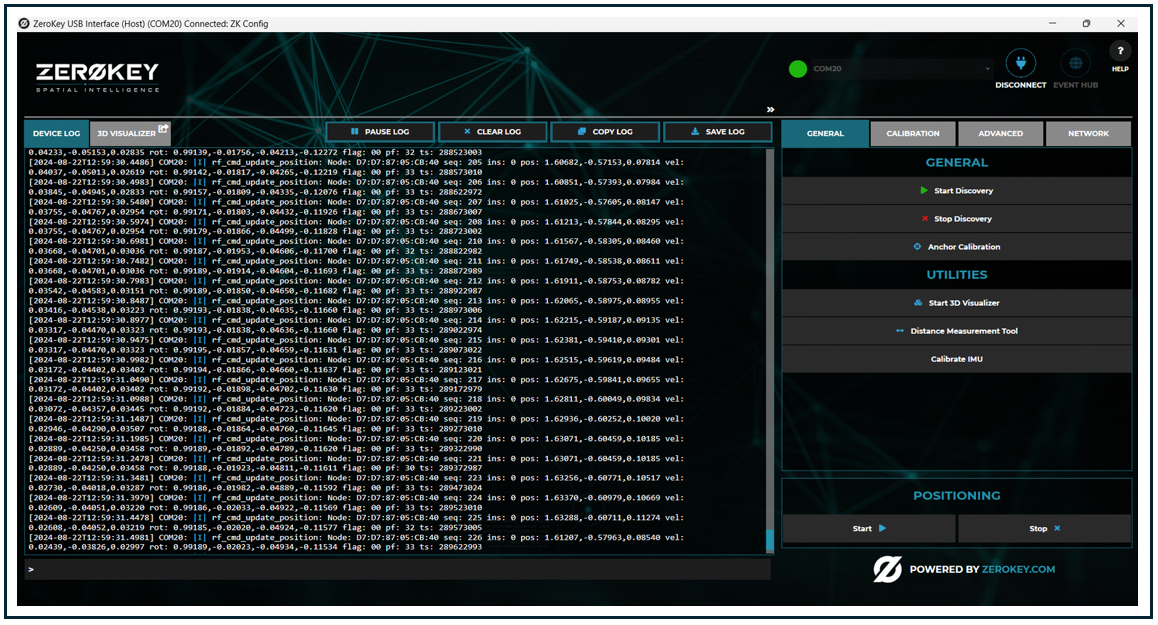
Learn how to use the different features and functionalities of the Config Tool.