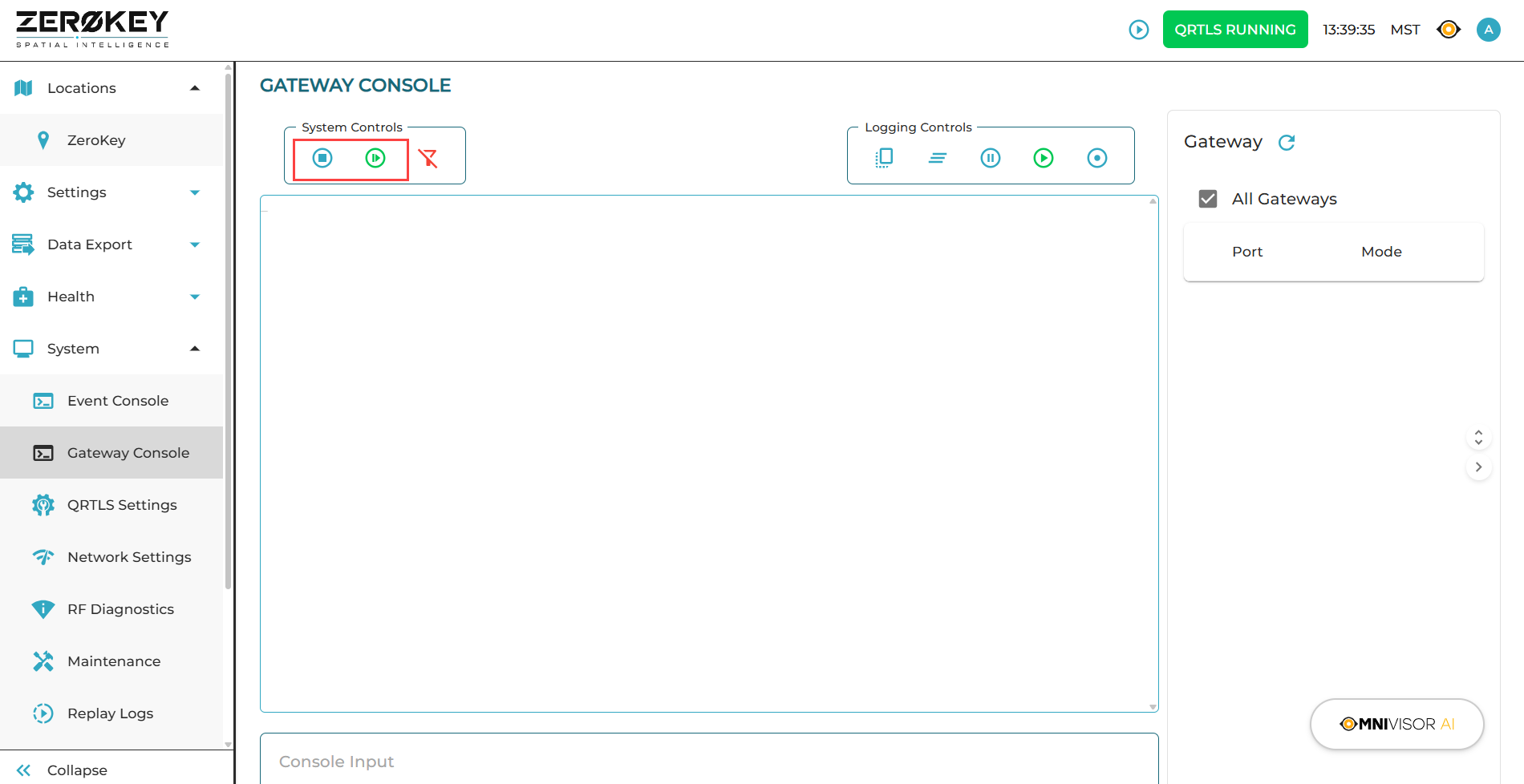
You may need to start and stop positioning in the dashboard. When a Gateway is connected to the ECD, positioning starts automatically.
Start and Stop
-
Navigate to the Gateway Console tab on the left side of the dashboard screen.
-
Locate the System Controls:
-
click the blue Stop System icon to stop positioning.
-
click the blue Start System icon to start positioning.
-